Anyone who has used Notion to put together lecture notes or a report has probably run into the same problem: the content is done, but the moment you try to export it to PDF, you realize the font, page layout, and document format are barely adjustable. The exported PDF might be readable, but it rarely turns into something you’d actually want to print, submit, or share.
LaTeX and Typst, on the other hand, can produce beautiful, fully-realized typesetting — but for someone who just wants to focus on writing, they still take real time to deal with syntax, packages, and templates.
That’s why I started building AnvilNote.
AnvilNote keeps the intuitive feel of a block-based editor while aiming for document output close to what a dedicated typesetting tool can produce.
Not just notes — a finished document
AnvilNote is a cross-platform writing and note-taking tool built for:
- Long-form notes
- Lecture handouts and worksheets
- Reports and assignments
- Academic documents
- Technical content with formulas, code, or charts
The editing experience is Notion-like — no need to write Typst or LaTeX syntax directly. Once a document is done, you pick a template, font, and layout, then export to PDF or DOCX.
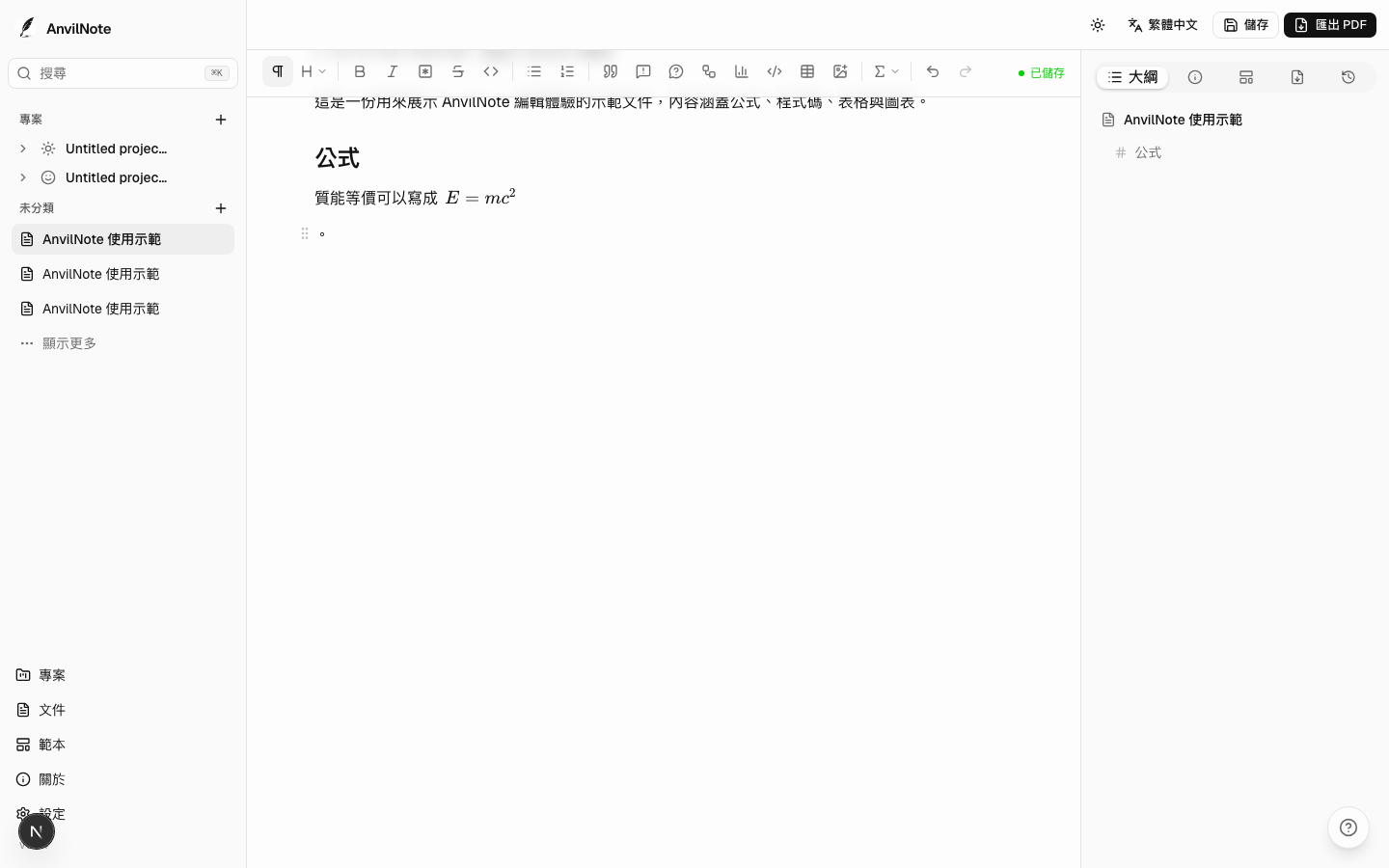
To me, the biggest difference between AnvilNote and a typical note-taking app is that it doesn’t just care about what you write — it also cares about what the final document looks like.
PDF, straight from the editor
AnvilNote’s PDF typesetting is handled by Typst.
You still add headings, paragraphs, images, tables, formulas, and code through an ordinary editor, with no need to touch the underlying markup. On export, AnvilNote converts the content into a full Typst document and renders it to PDF.
That means fonts, heading levels, page margins, footnotes, and figure/table captions are all governed consistently by whichever template is active.
Templates currently come mainly from Typst’s open-source ecosystem, adapted and wired in for direct use inside AnvilNote. Different templates produce very different document styles — a plain handout, an academic report, or a Tufte-style layout with margin notes.
template-carousel .carousel-item img {
display: block;
margin: 0 auto;
max-height: 480px;
width: auto;
max-width: 100%;
border: 1px solid rgba(0,0,0,0.1);
border-radius: 8px;
}
template-carousel .carousel-control-prev-icon,
template-carousel .carousel-control-next-icon {
filter: invert(1) grayscale(100);
background-color: rgba(0,0,0,0.3);
border-radius: 50%;
padding: 18px;
}
</style>
Formulas, code, and tables aren’t an afterthought
Plenty of note-taking tools let you type a formula or a code snippet, but the export doesn’t always keep the same quality.
AnvilNote treats these as part of the document itself, not something bolted on next to the text.
Math renders live in the editor and gets re-typeset by Typst on export. Code blocks can be set to a specific language with matching syntax highlighting. Tables support merged cells and adjustable row/column sizing, laid out however the content needs, and export picks up the active template’s styling automatically.

On DOCX export, math converts into a formula object that’s still editable in Word, instead of being pasted in as an image. Tables keep their structure and layout too, ready for further editing in Word — useful if you need to hand off a .docx, collaborate with someone else, or match a school or organization’s existing format.
Footnotes, sidenotes, and captions
AnvilNote supports ordinary bottom-of-page footnotes as well as Tufte-style margin sidenotes.
The same content can automatically render as either, depending on the active template — no need to rewrite the document for a different layout.
Multiple images can also sit side by side with a shared figure caption, like “Figure 1(a)” and “Figure 1(b)”. This kind of layout is common in reports and academic writing, but usually awkward in a typical block editor.
Building charts directly in the document
Beyond images and tables, AnvilNote also supports Mermaid diagrams and stats charts.
Mermaid covers flowcharts, sequence diagrams, and system architecture diagrams. Stats charts currently include bar, line, scatter, pie, box-and-whisker, and stacked variants.
These charts are embedded as vector SVG, so lines and text stay crisp at any zoom level or in print.

Works without an internet connection
AnvilNote is offline-first by design — documents live on your own machine by default.
The desktop build already bundles the Typst runtime, fonts, and related packages it needs. Once installed, there’s no separate Node.js or Typst setup required, and no dependency on any cloud service to edit or export documents.
That doesn’t mean AnvilNote will never offer sync or backup — just that the core writing and export experience should keep working with no account and no network.
Still in progress
AnvilNote is under active development. Coming up next:
- Bidirectional links and backlinks between documents
- Merging multiple documents into one book
- Automatic table of contents and continuous page numbering
- Dual-axis charts, combo charts, histograms, and heatmaps
- More document templates and font options
These are still in the design or development stage, and the details may shift as testing continues.
Download and source
Note
The desktop build is currently at v0.1.16; the rest of the sub-projects are being prepared for public release.
AnvilNote is an open-source project.
The desktop app supports macOS, Windows, and Linux, and can be downloaded from GitHub Releases.
Links:
If you regularly use Notion, Obsidian, LaTeX, or Typst for lecture notes, reports, or writing in general, feel free to give it a try — issues and suggestions are welcome on GitHub.